
Themes
The theme setting picks the syntax-highlighting theme for code cells and fenced code in markdown. The rest of jOtter’s interface uses your terminal’s own colours, and plots follow the terminal’s colours too, so pick a theme that suits your terminal’s background:
theme = "base16-ocean.light"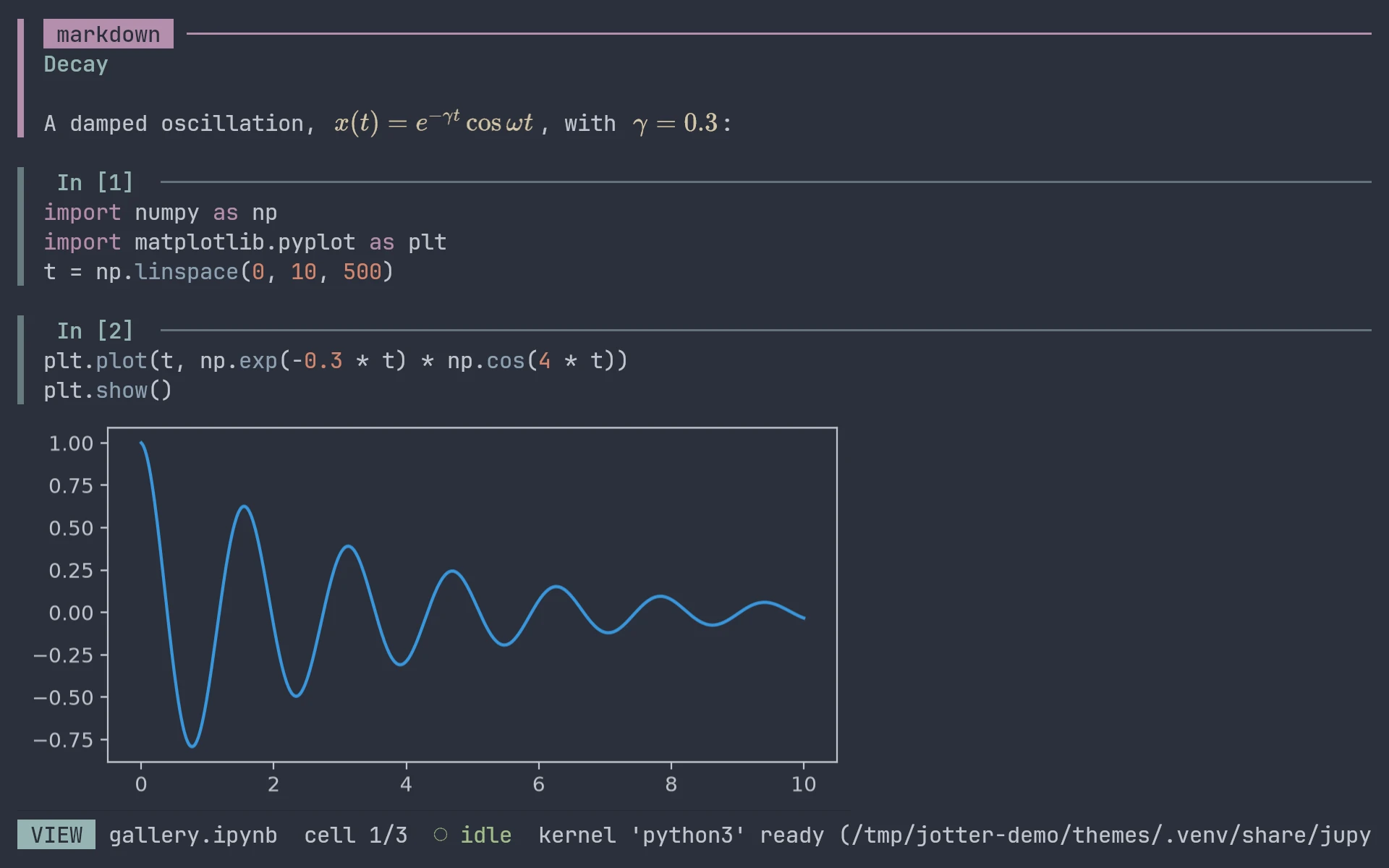
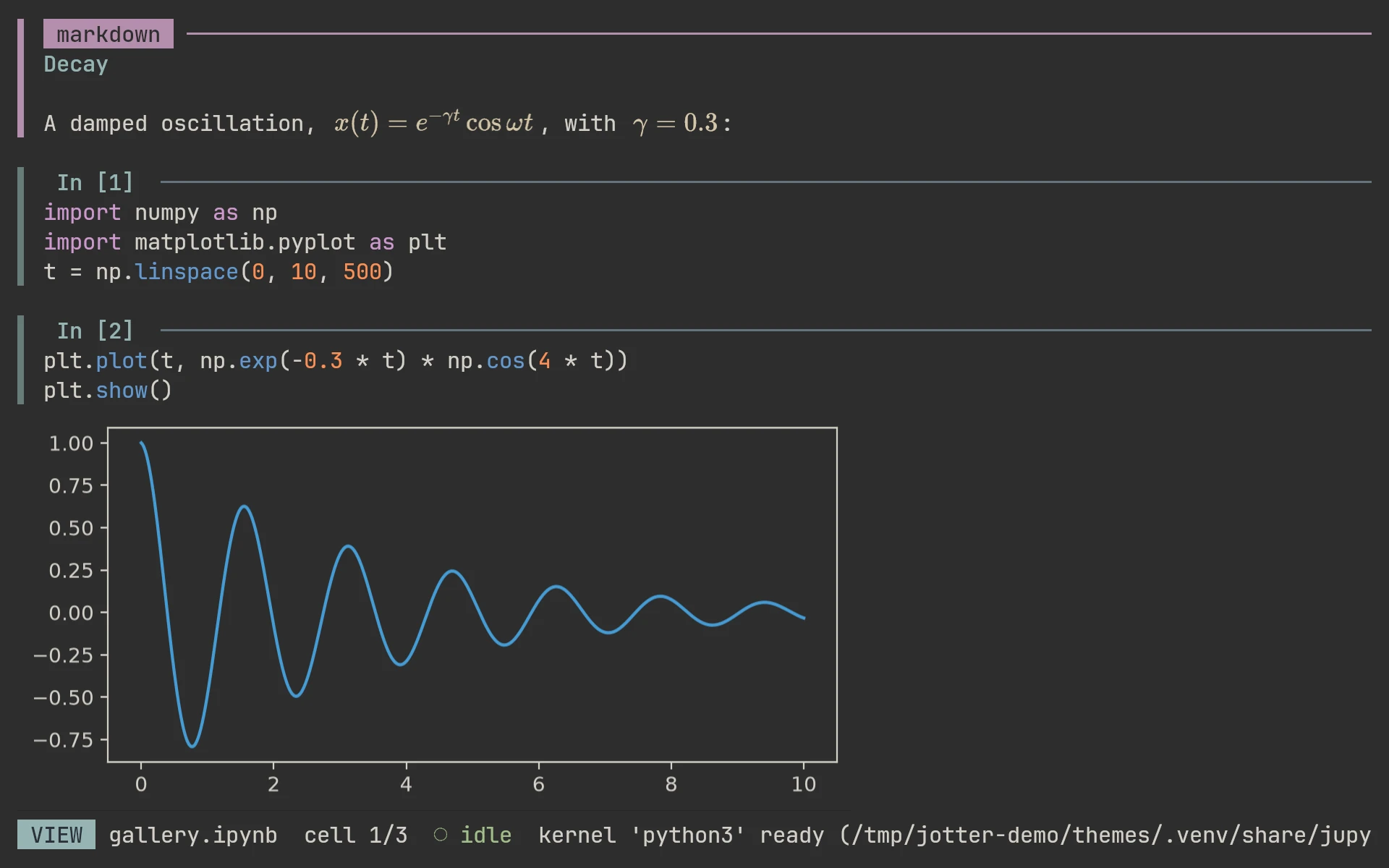
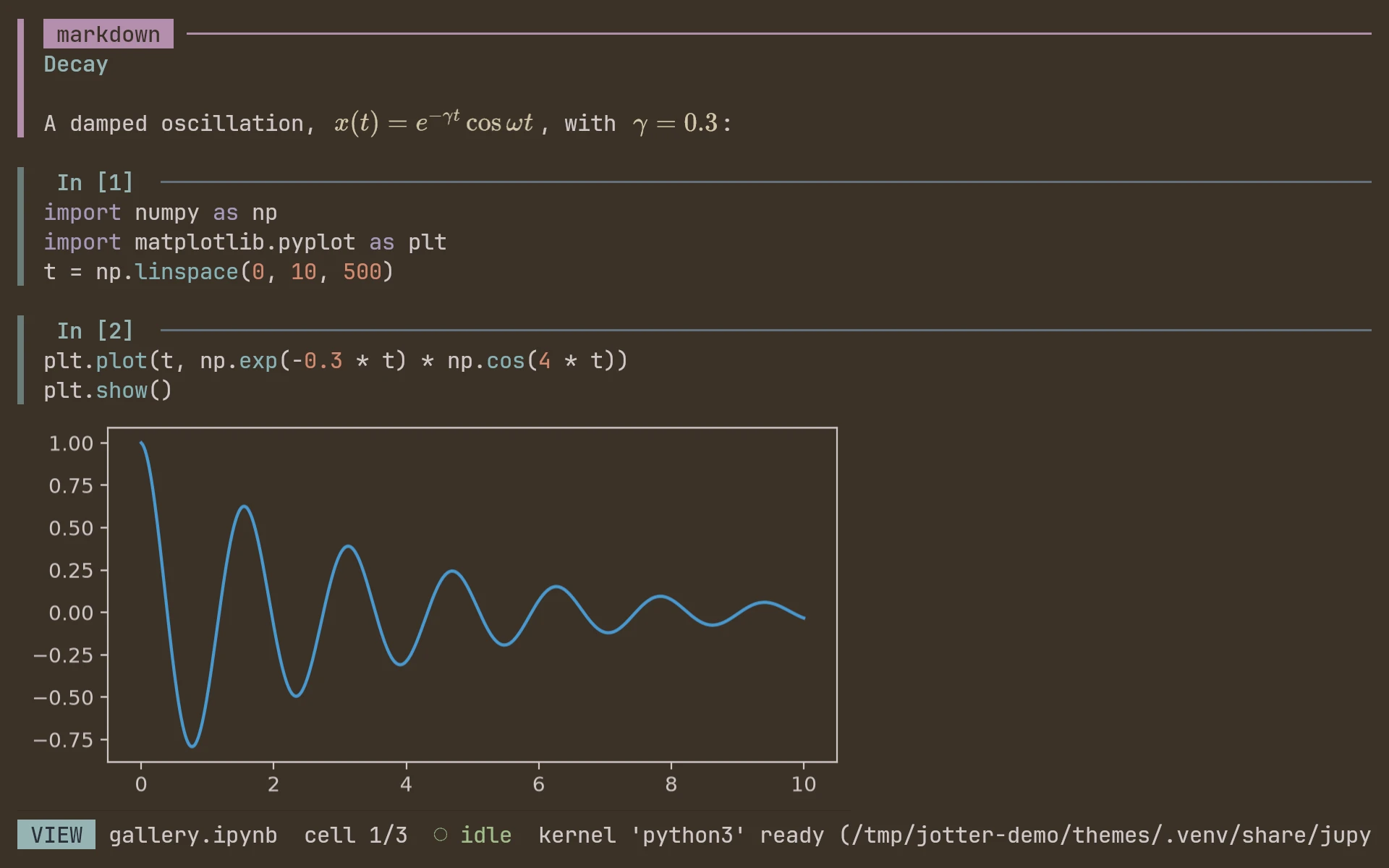
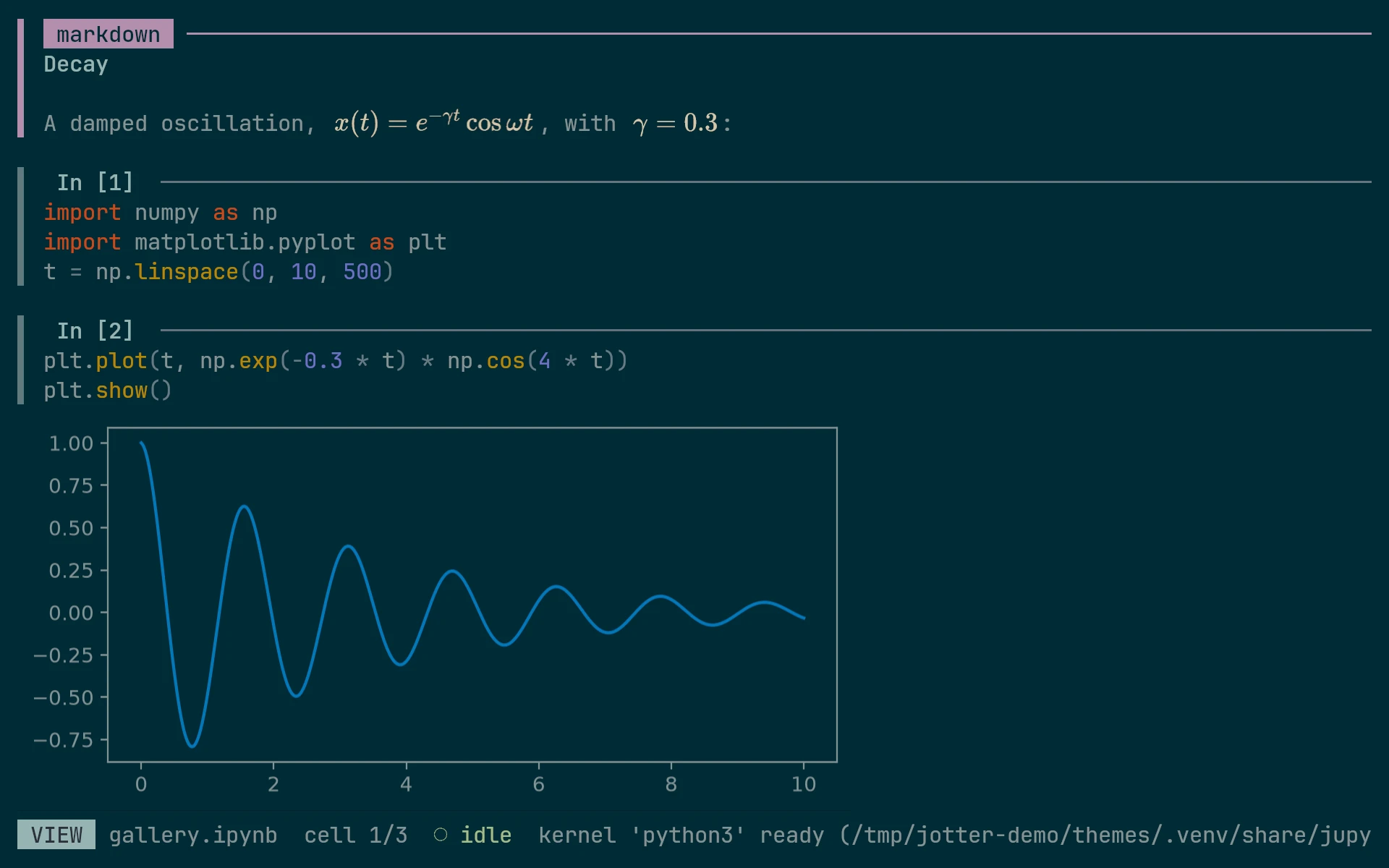
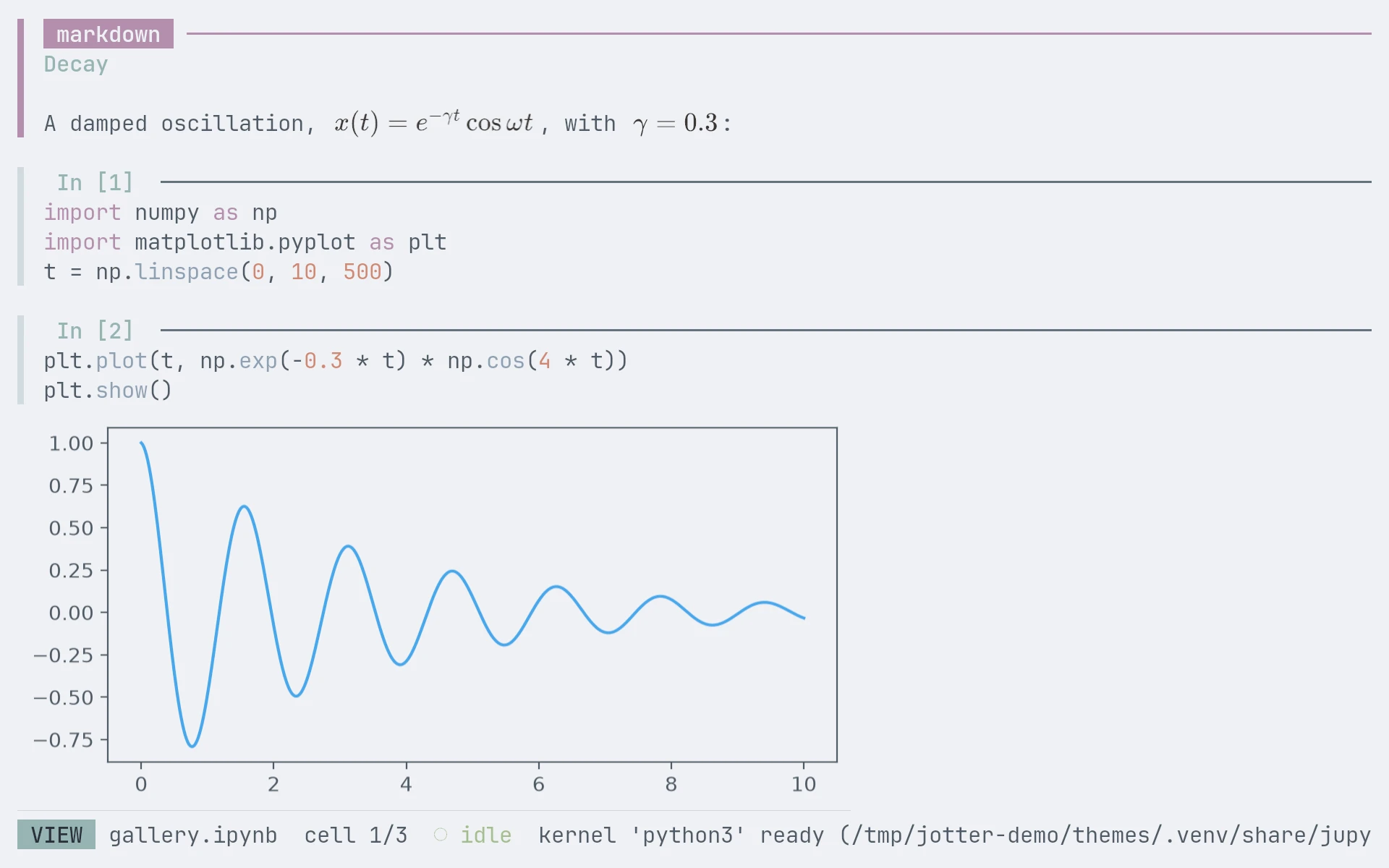
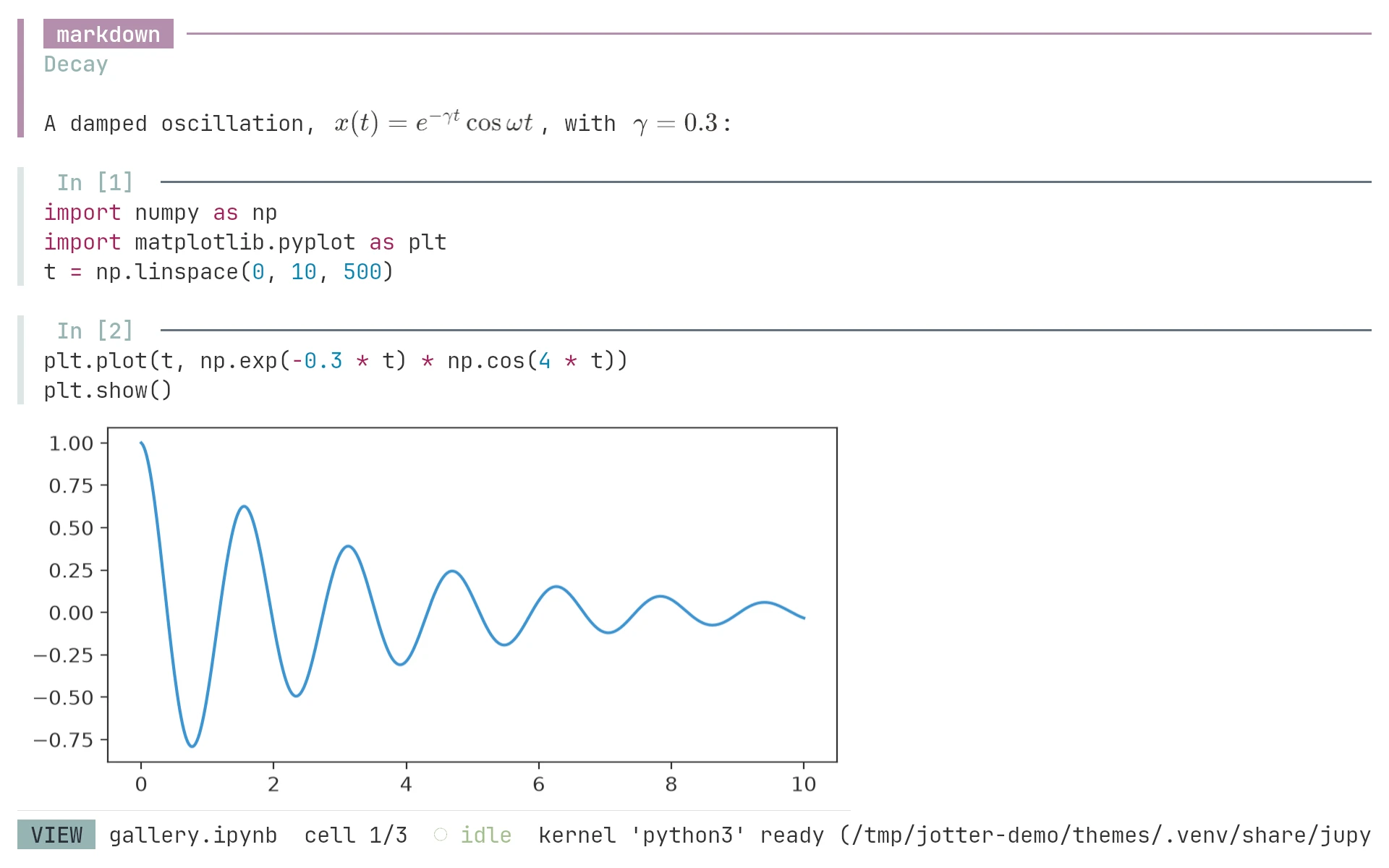
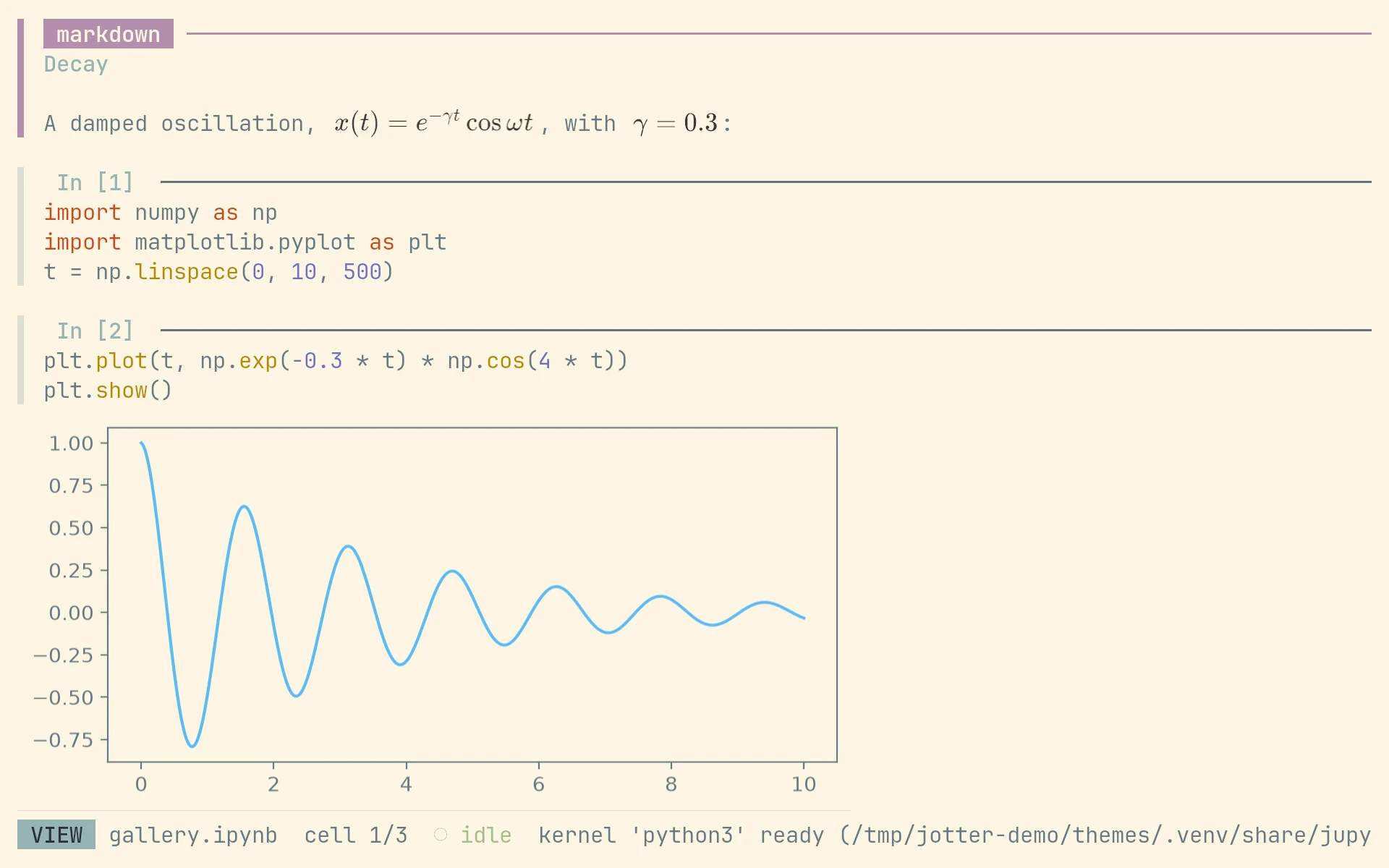
With a light theme, math is drawn in a dark colour too. The theme name decides that: names containing light, and InspiredGitHub, count as light.