
Terminal compatibility
jOtter works in any terminal with true colour and mouse support, which today is nearly all of them. What differs is how images look and whether modified keys like Shift+Enter work. Terminal setup explains both.
| Terminal | Images | Shift+Enter | Notes |
|---|---|---|---|
| kitty | kitty graphics | yes | Recommended. |
| Ghostty | kitty graphics | yes | |
| foot | sixel | yes | |
| WezTerm | iTerm2 protocol | with enable_kitty_keyboard = true |
|
| Alacritty | half-blocks | yes | No image protocol. |
| tmux (inside kitty) | the outer terminal’s, with allow-passthrough on |
no | tmux doesn’t forward the keyboard protocol. |
| Konsole, GNOME Terminal, xterm | not tested yet | not tested yet |
These results come from jOtter’s own detection in each terminal (kitty 0.49, Ghostty 1.3, foot 1.27, WezTerm 2026-03, Alacritty 0.17, tmux 3.6), with default settings. The docs’ recording rig checks them again whenever it runs. Run jOtter with --log to see what it detects in yours: the log’s terminal: line names the image protocol, the cell size and the keyboard protocol.
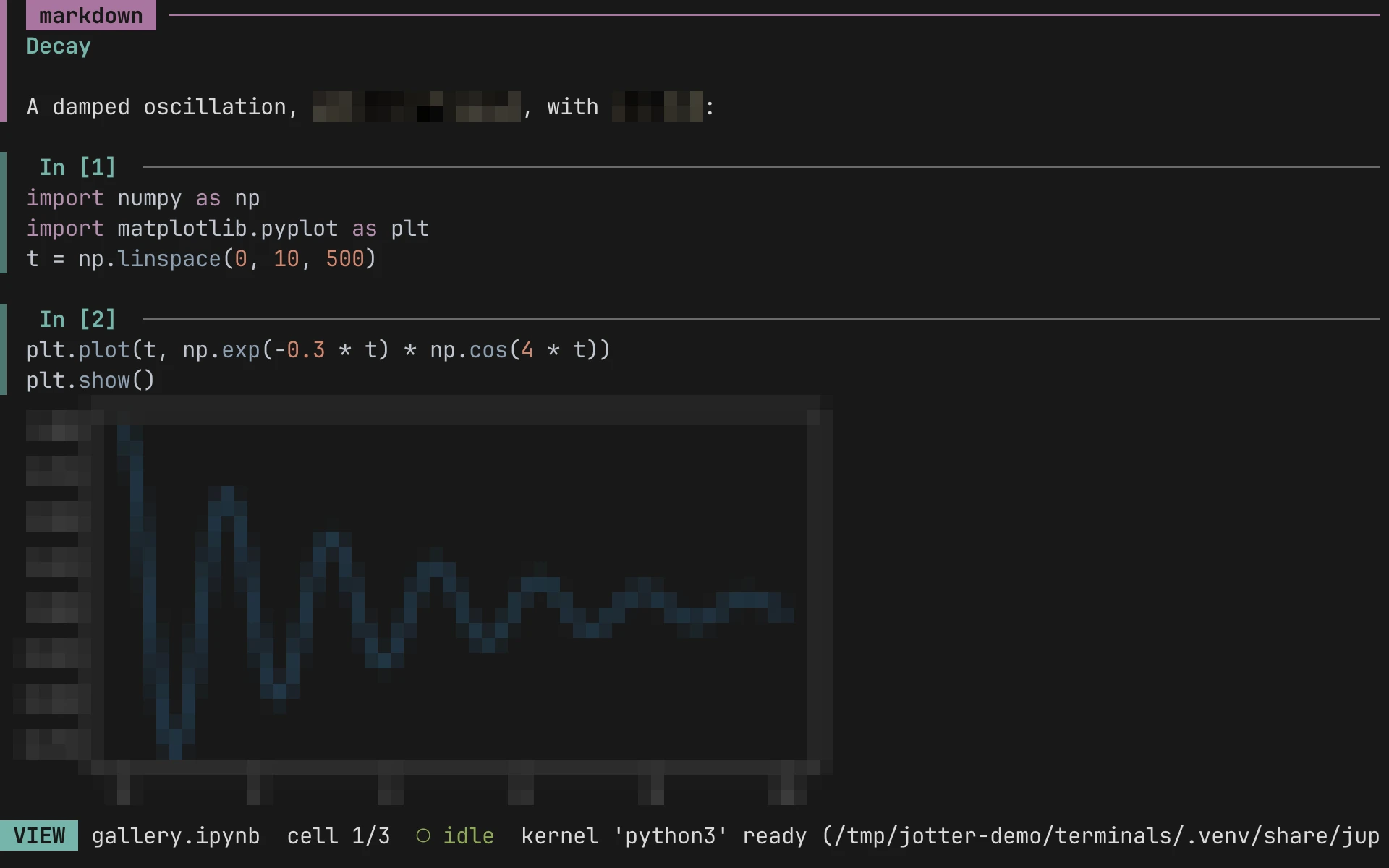
Half-blocks means images are drawn with Unicode characters at two pixels per cell. Plots stay readable, but fine detail and small text are lost.
Shift+Enter: no means the terminal doesn’t use the kitty keyboard protocol. Use r (run and advance) and Space (run in place) instead.
Gallery
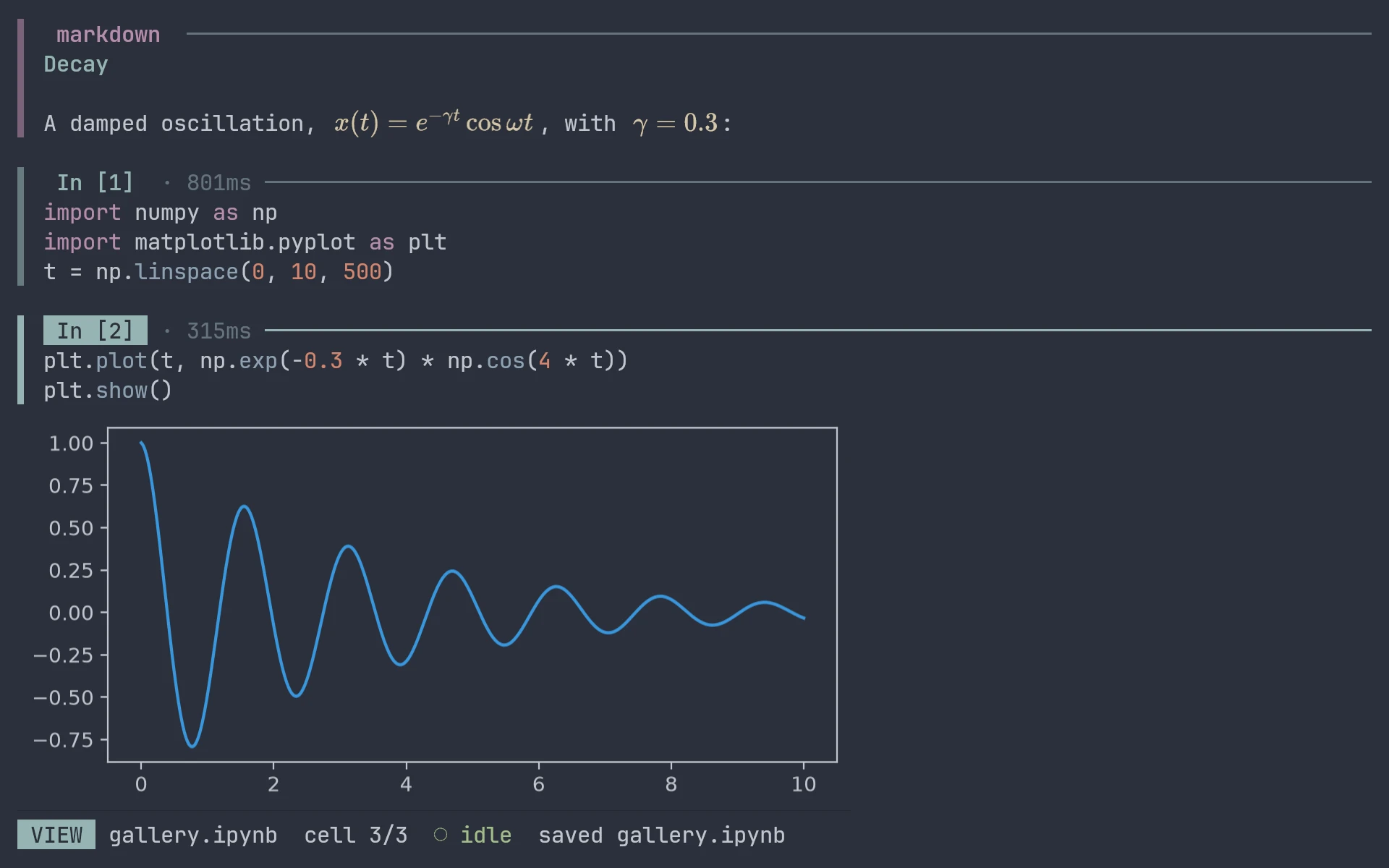
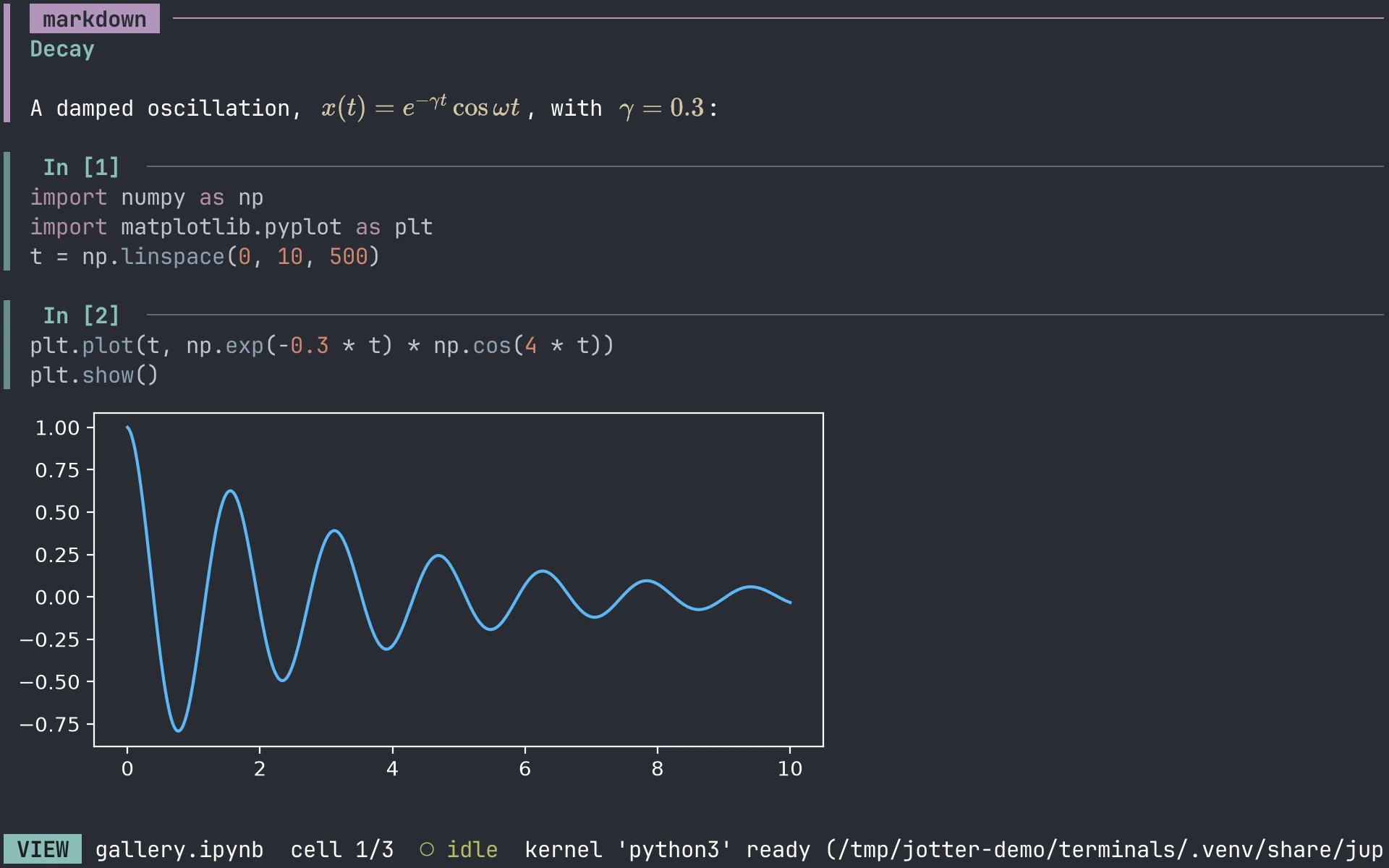
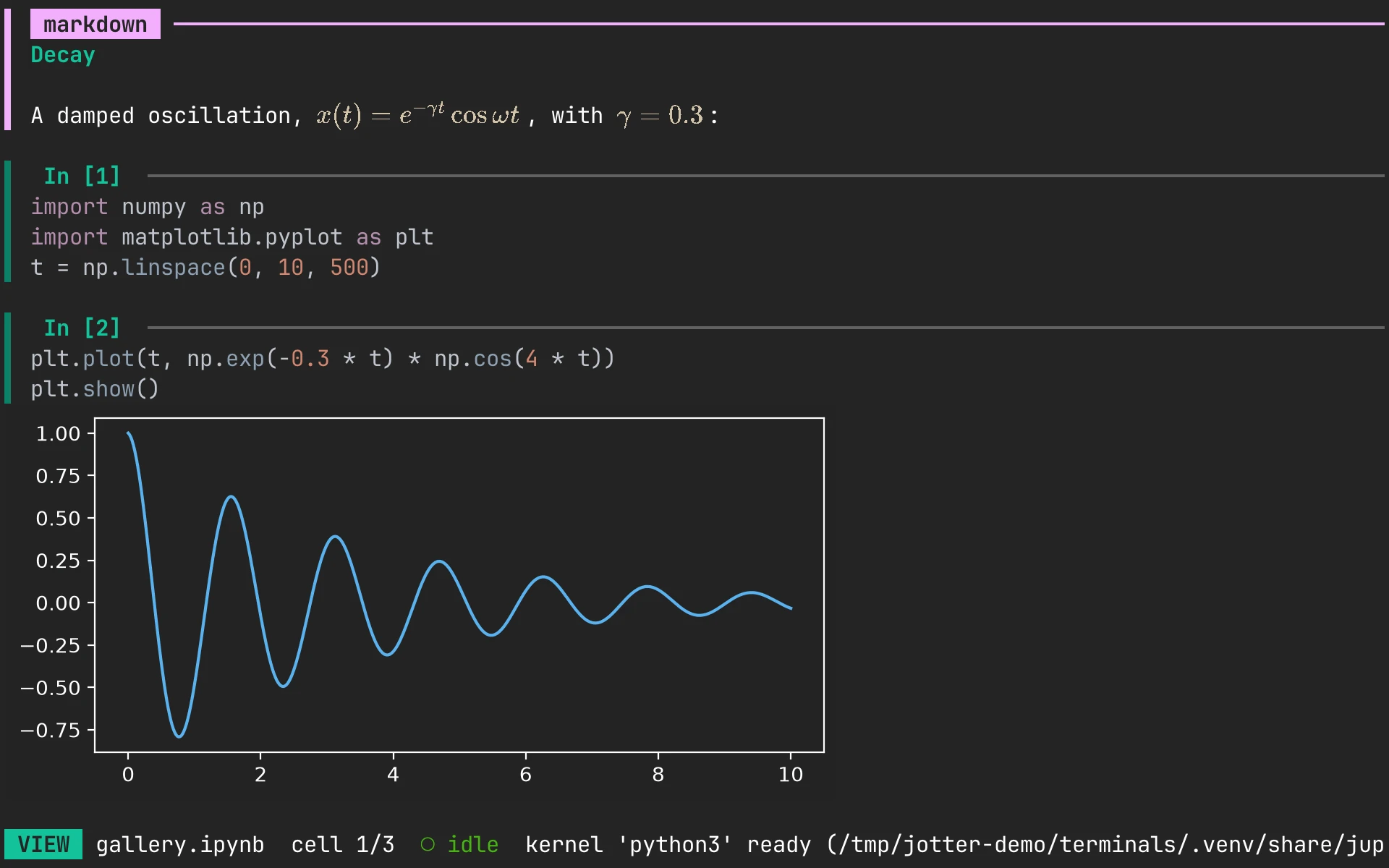
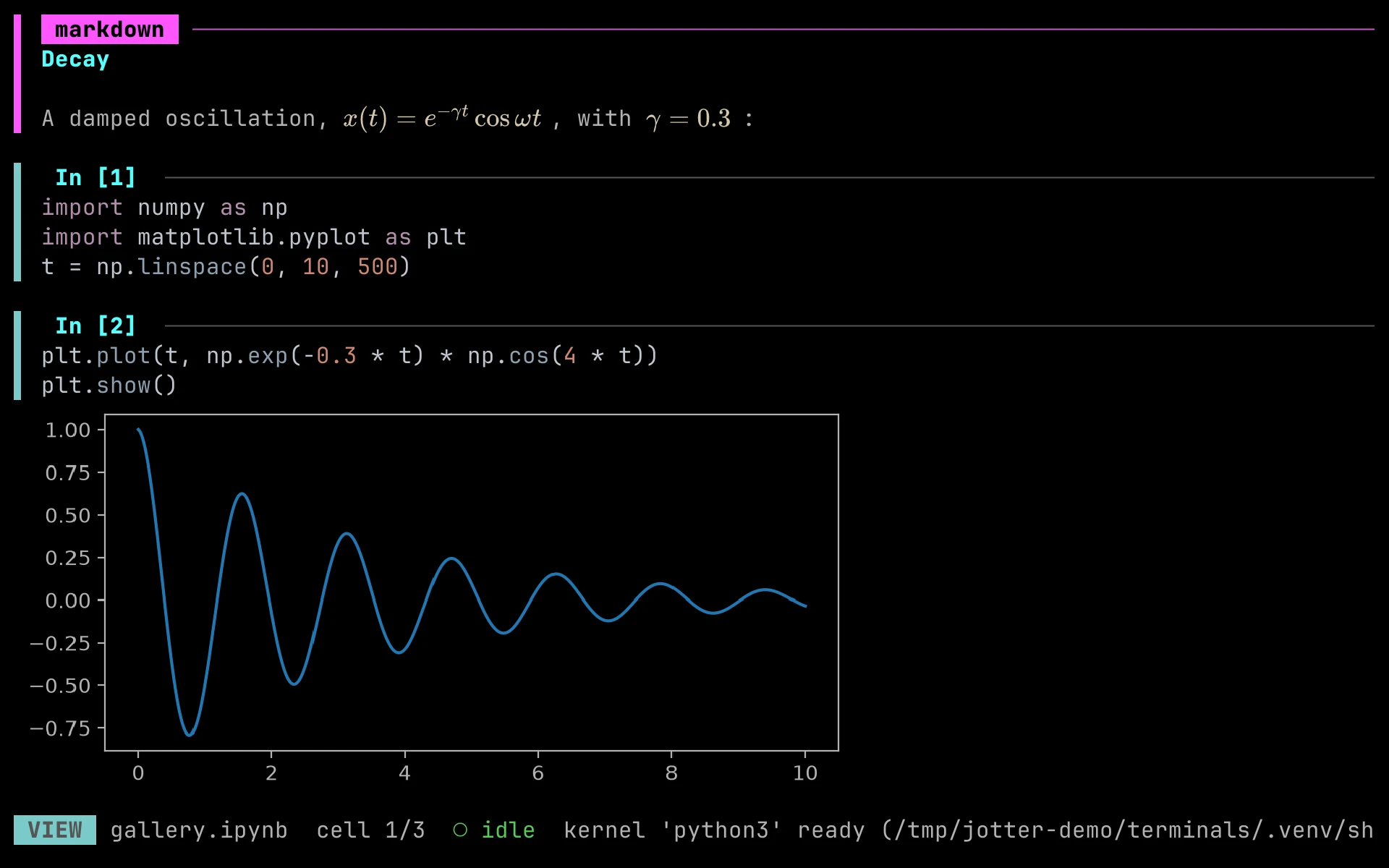
Section titled “Gallery”The same notebook in each terminal:
Known quirks
Section titled “Known quirks”- Changing the font size (terminal zoom) makes jOtter re-render every cell for the new cell size. Output scroll positions reset and images are sent to the terminal again.
- The help screen (?) needs about 33 rows; in shorter terminals it is cut off.
- If jOtter is killed with
kill -9, the terminal isn’t restored. Runresetto fix it. In kitty, leftover images are cleared the next time jOtter starts.
Using a terminal not listed here? Please report how it works, with the terminal: line from a --log run, so this table can include it.